A calendar alongside
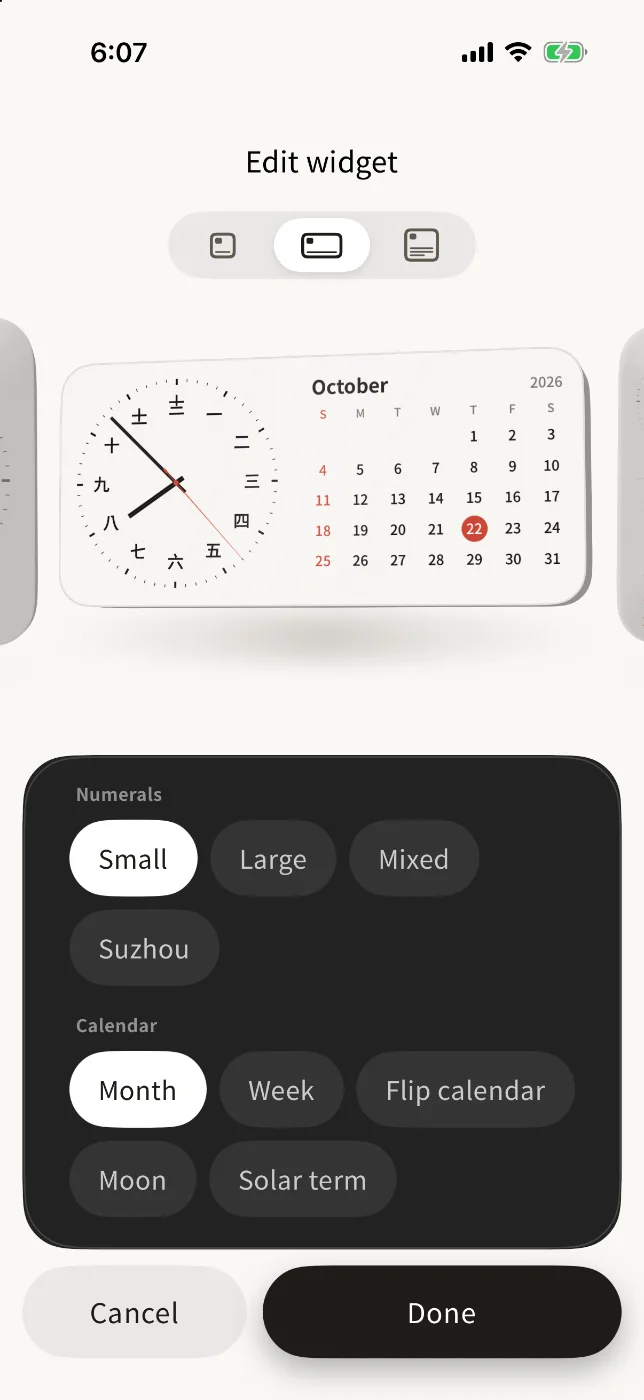
The wide widget adds a month, a week, the moon or the solar term.
 Hanzi Clock
Analog dials with Chinese numerals for your Home Screen, Lock Screen and StandBy.
 Scan with
Free · One-time unlock, no subscription
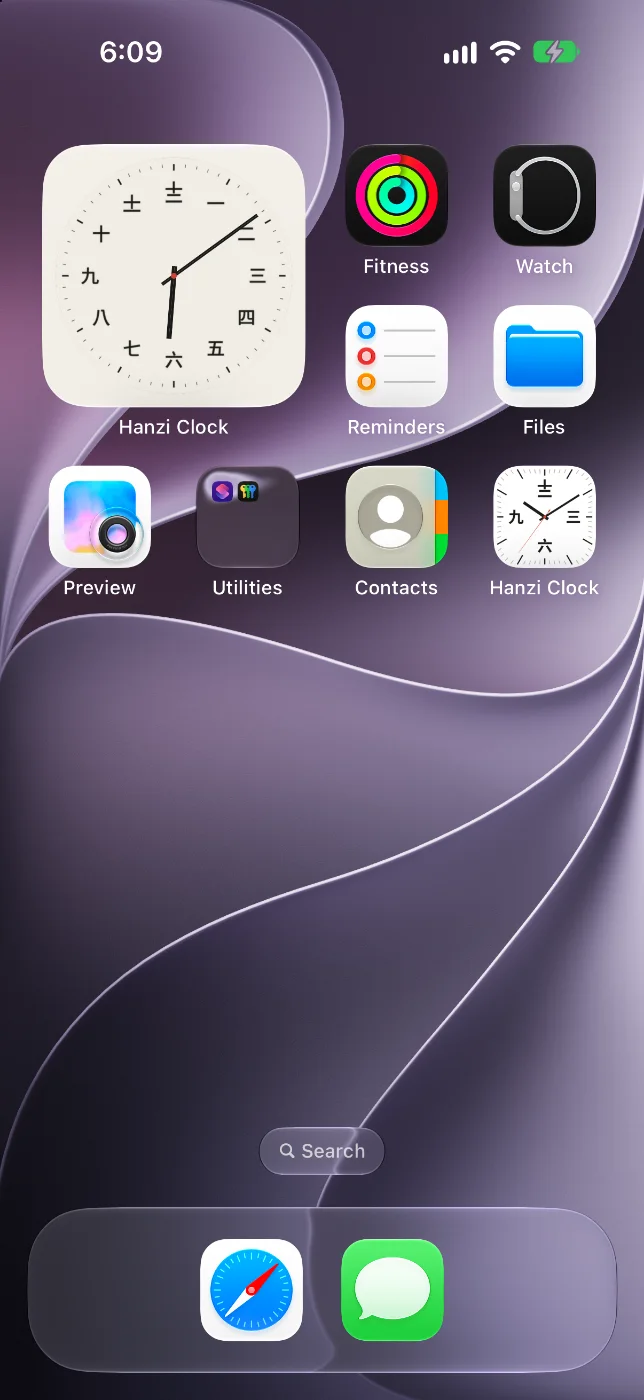
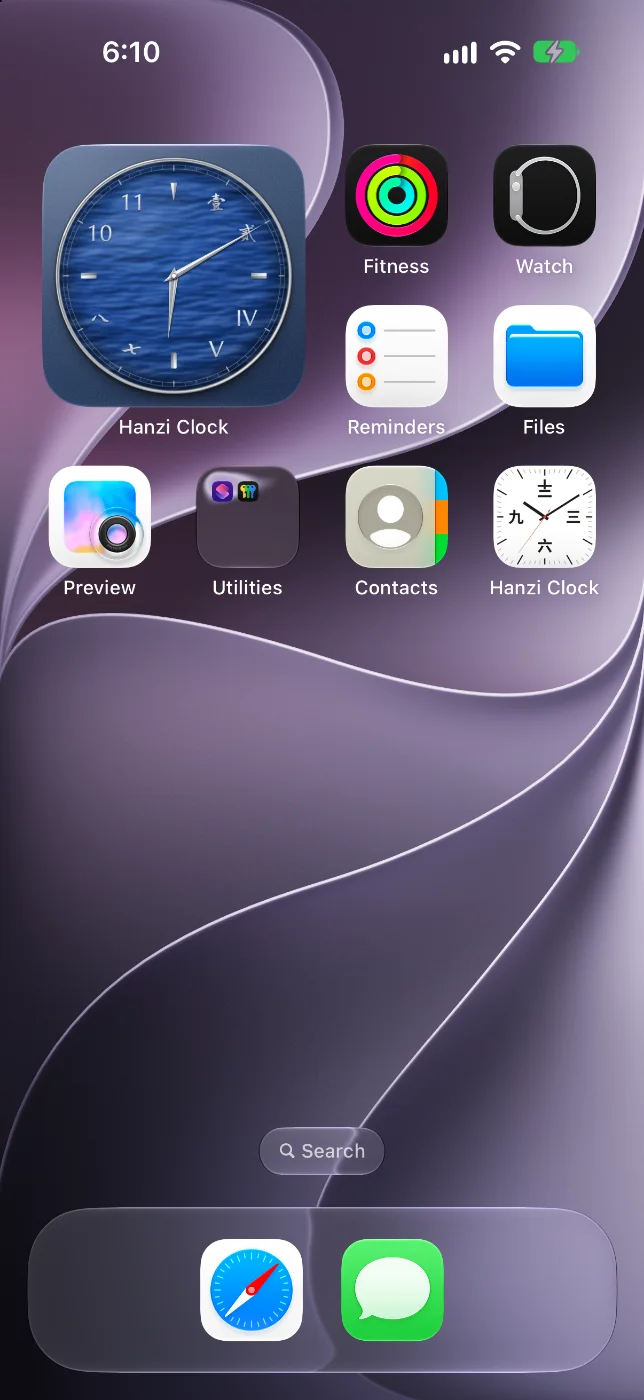
Five flat colours, free. Five textured faces after classic watch dials, with the unlock.
Chinese writes numbers more than one way. 一 二 三 for every day. 壹 貳 叄 on banknotes and cheques. 〡 〢 〣 on the old market stalls of Suzhou. Hanzi Clock puts them on a dial, each written the way a native reader expects.
The app is one row of desk clocks. Swipe through them, tap the one you like.
Everyday numerals, the formal ones, Suzhou numerals and more.
Touch and hold an empty spot, then add the widget. The app shows you how the first time.
Turn your iPhone on its side while it charges and the dial sits beside your calendar.
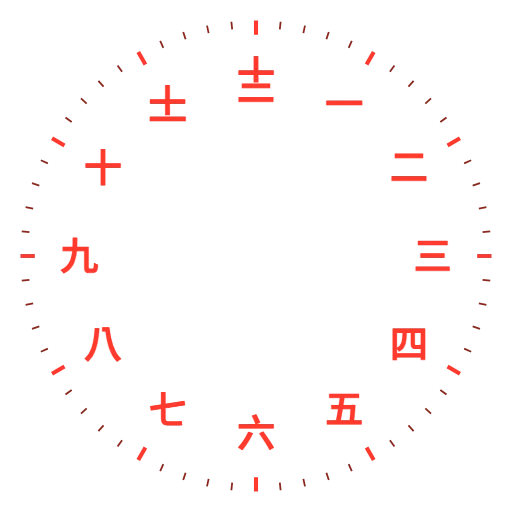
After dark, StandBy shows only the numerals, dimmed to red, so the room stays dark.
The wide widget adds a month, a week, the moon or the solar term.
A wallpaper that turns to each hour, and the lunar date with the next solar term.
Right on the widget, once a second, like a quartz clock.
Live, at your time. Shown with the Four Scripts numerals.
The launch price lasts two weeks. Then the unlock is US$7.99, and US$9.99 once the Mac app ships. Buy once and it unlocks on both.
One-time purchase, shared with your family. US prices; the App Store shows yours.
iPhone · iOS 17 or later · No account · Nothing is tracked · Privacy
